 Minuted
Every meeting has a price tag.
Minuted shows you, live, what your meeting actually costs. The number climbs as you talk. The background shifts from calm blue to alarming coral. You stop before it gets ridiculous.
Download on the App Store Free on iPhone, iPad, Mac and Apple Watch. No subscription.
This meeting started a few minutes before you arrived. So far it has cost
$0.00
- Elapsed
- 0:00
- Per minute
- $12.67
- People
- 8
Most meeting tools assume your time is free. It isn't. A one-hour sync with four senior people can cost more than dinner for eight. Minuted turns that invisible cost into something you can feel: a number on your screen, climbing with every minute you stay in the room.
Quiet until it shouldn't be
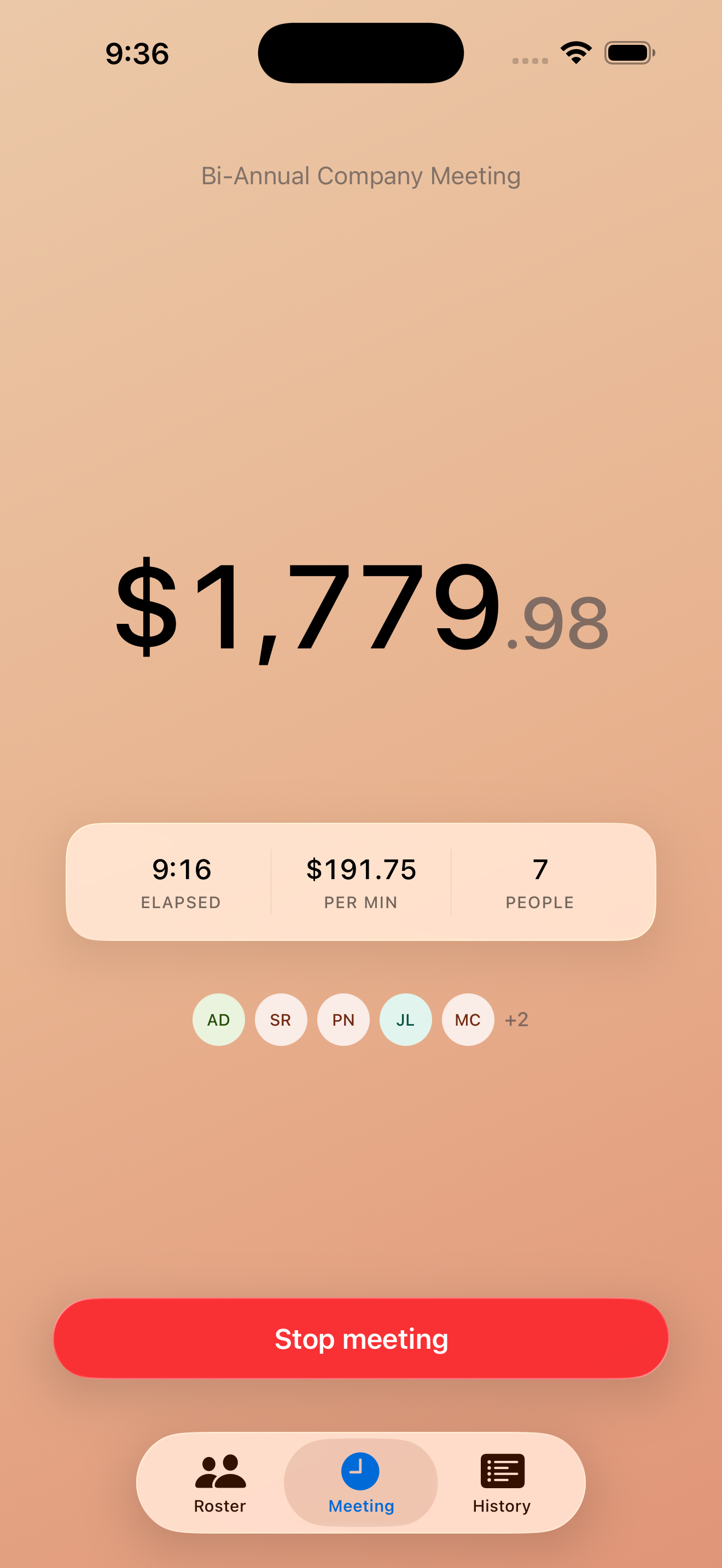
Most meetings stay in the cool blue range and you barely notice the app is there. Then something drags on, the gradient starts to warm, and you remember why you installed it.
Agenda
Everything Minuted does, in the order you meet it.
-
Build your roster
Add the people you meet with and their hourly rate, or their salary and let Minuted work out the hour.
-
Start from your calendar
Minuted shows what is still left on your calendar today. Tap an event and the title fills in and the invitees are matched to your roster. Read-only, and entirely optional.
-
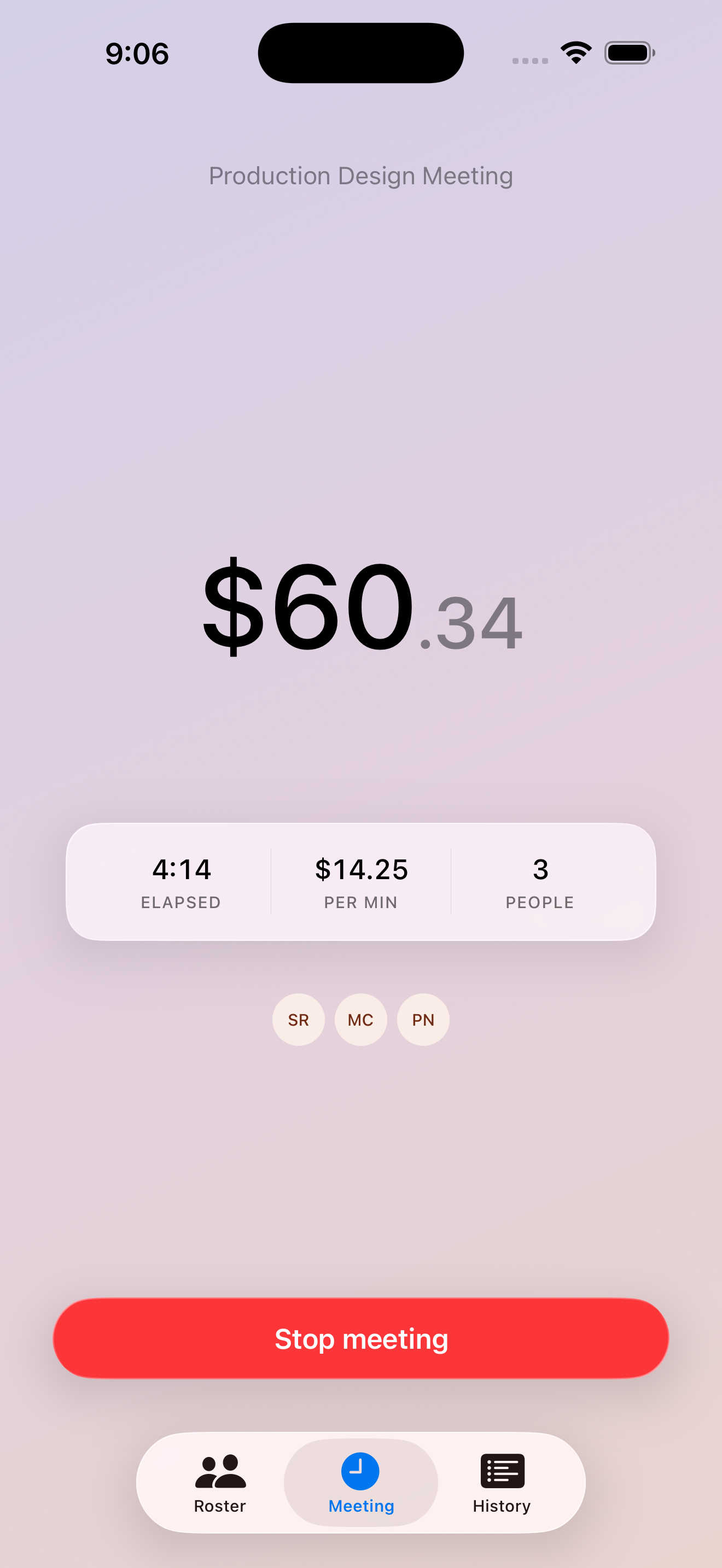
Watch the live cost, in dollars
The number on your screen updates every frame. No watching a timer and doing math in your head.
-
Feel the background react
A gradient shifts from cool blue through purple to urgent coral as the cost rises.
-
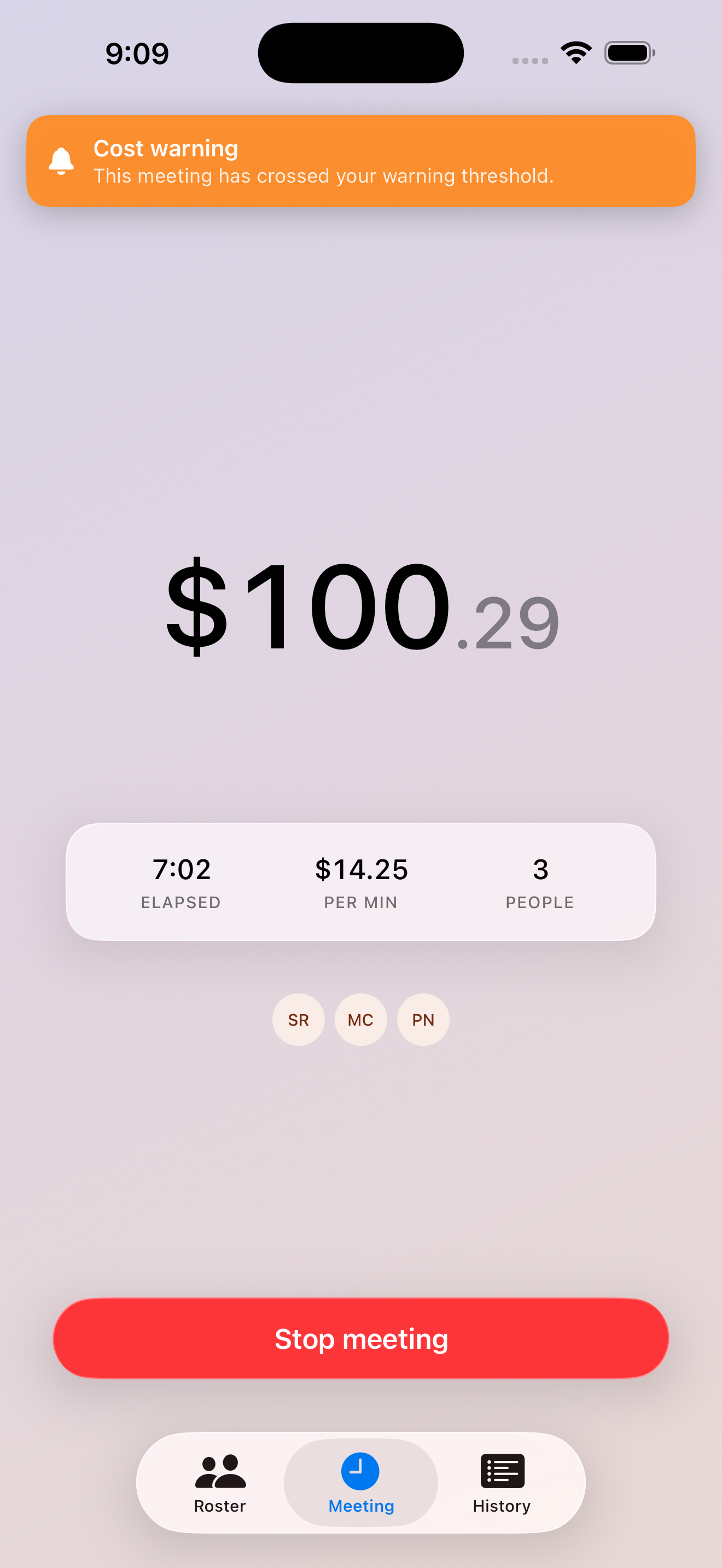
Get an alert when it matters
Pick thresholds, say $250 for a warning and $750 for an alarm, and Minuted taps you on the wrist when a meeting crosses them.
-
Ask Siri, or just search
Ask what you have spent on meetings this week. Find a past meeting from Spotlight. Start a Quick Meeting by voice, from Shortcuts, or from your watch.
-
Keep the minutes
Record a meeting and get structured notes back: what was decided, what was assigned, what actually mattered.
-
Share the total
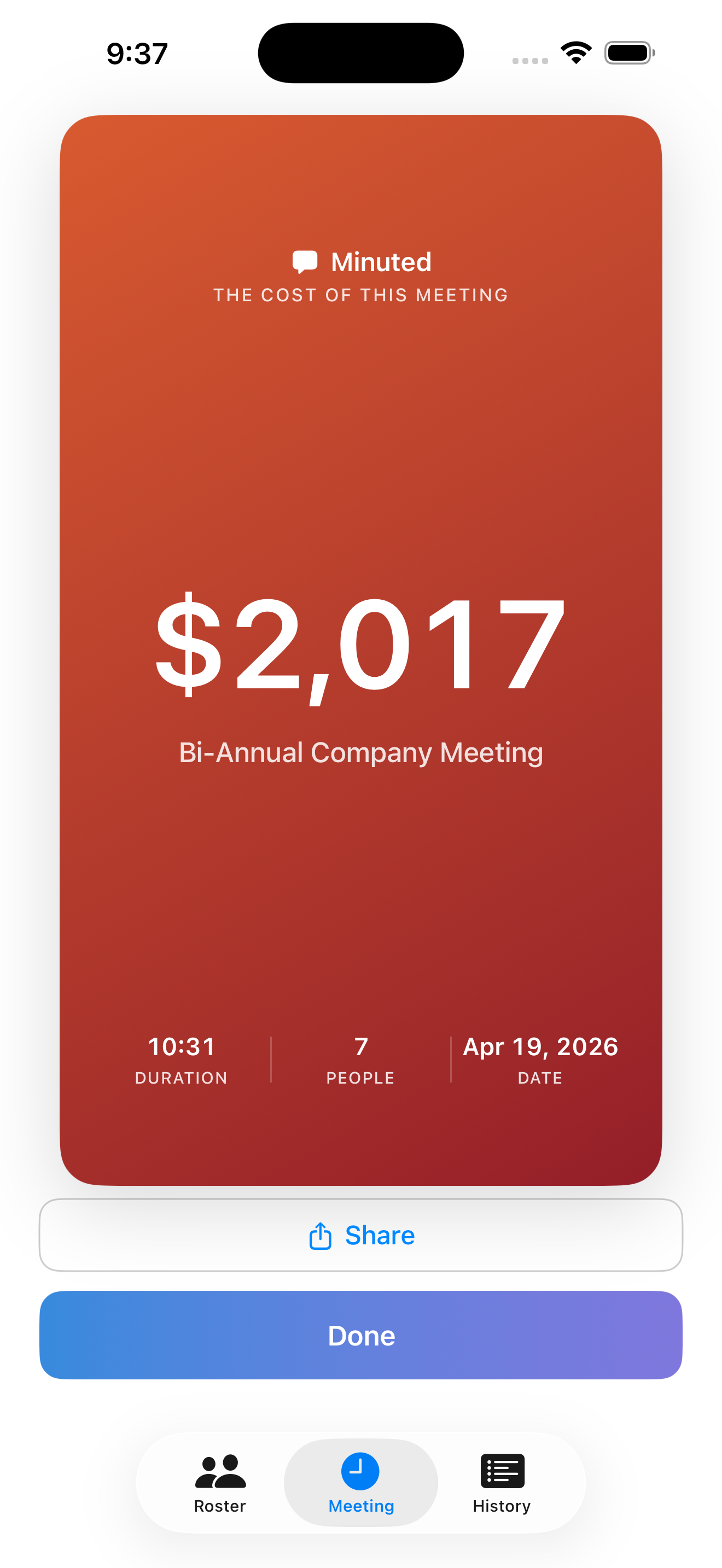
Finish a meeting and get a card with the total, ready for Slack, Messages, or the next planning conversation.
-
Read the history
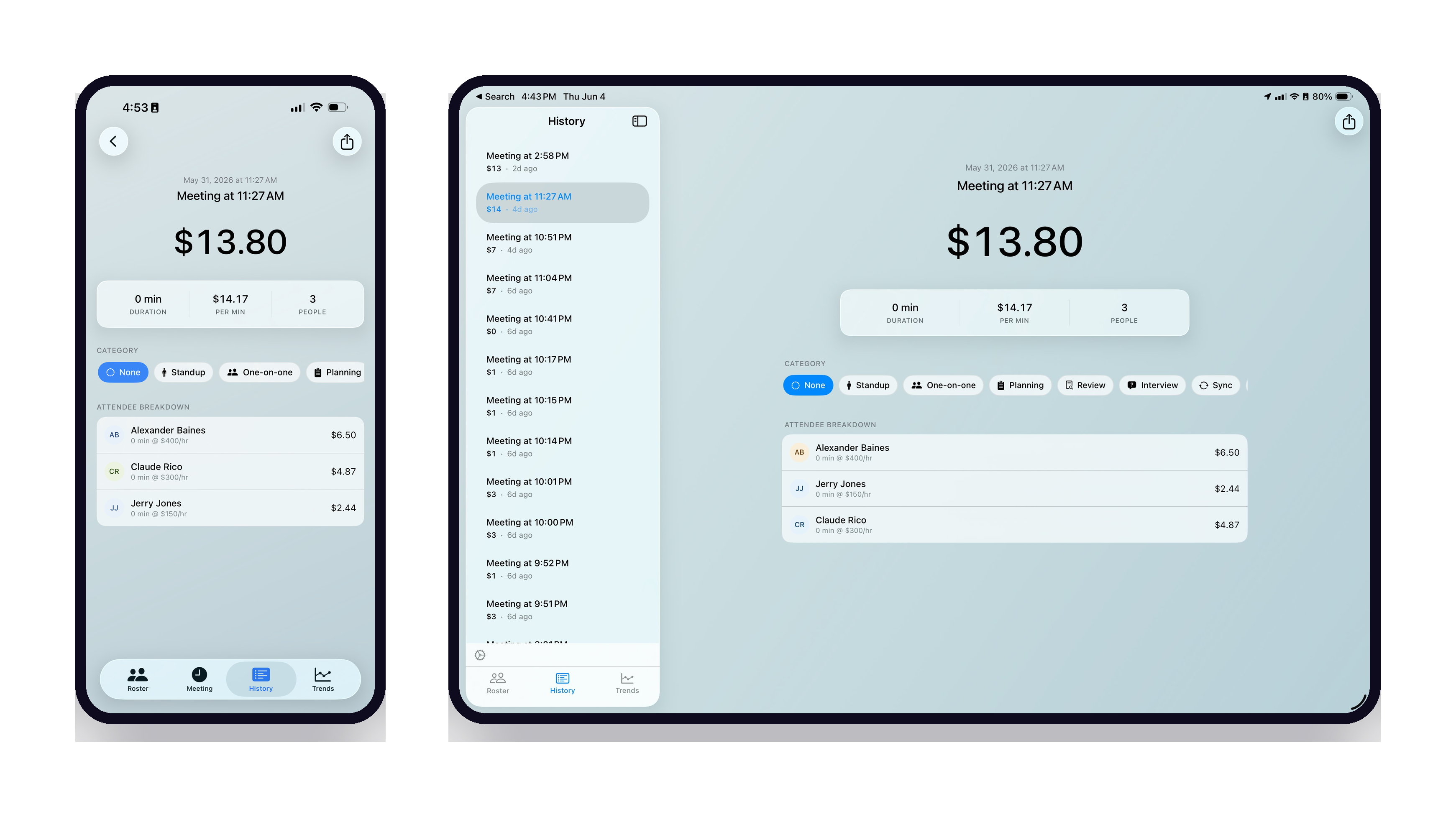
Every meeting is saved and tagged as a standup, a review, a one-on-one. Trends shows spend by week, month or quarter, and what you marked as not worth it.
-
Glance at the week
Home screen widgets keep this week's meeting spend in view, in small and medium sizes.
The minutes, written for you
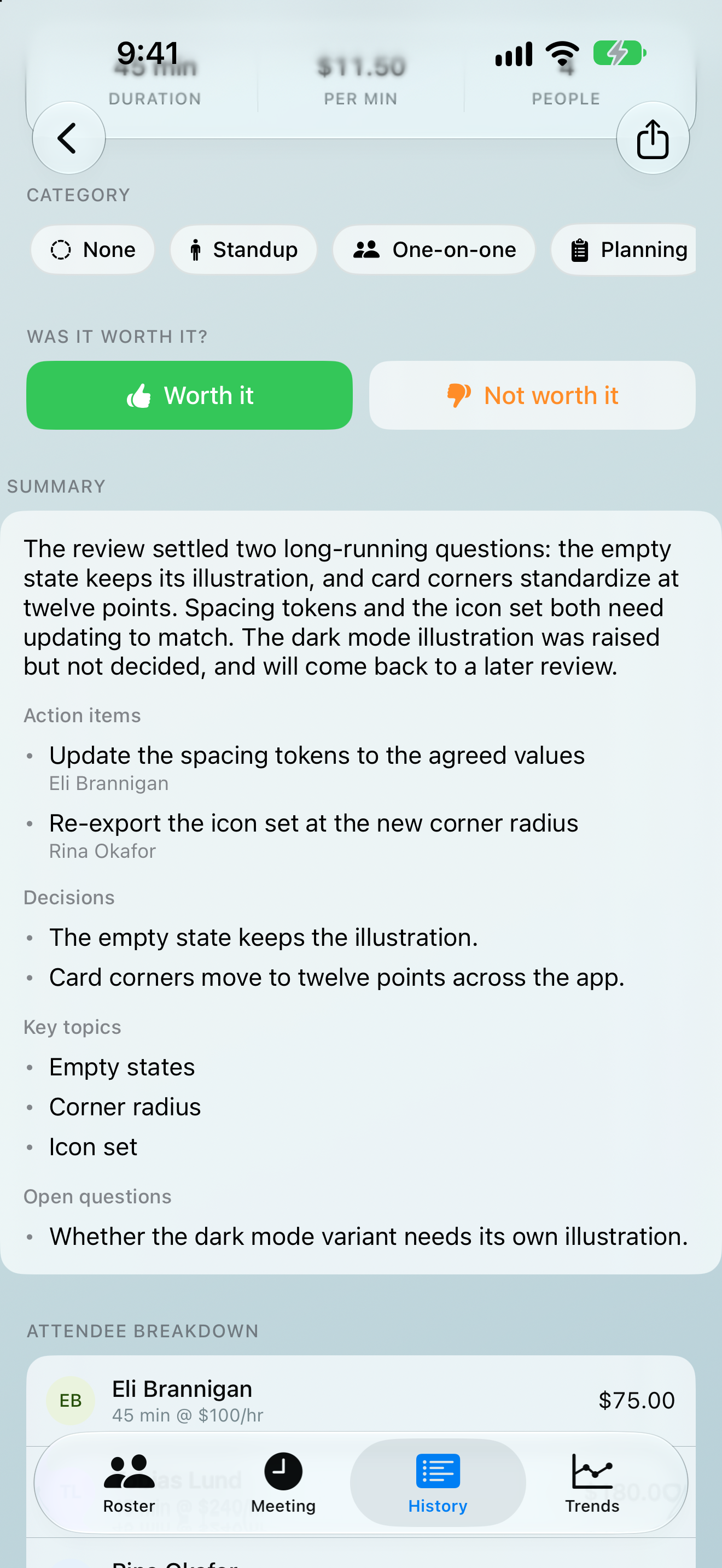
Tap Record notes during a meeting. When it ends, the transcript becomes structured notes: a summary, decisions, action items with owners, and the questions still open.
The notes are written by Apple Intelligence, using Apple's Private Cloud Compute when it is available and the model on your device otherwise. Turn off Private Cloud Compute in Settings to keep everything on the device. The audio never leaves it, and nothing ever reaches us. Notes are a one-time unlock on devices with Apple Intelligence.
A quarter, priced
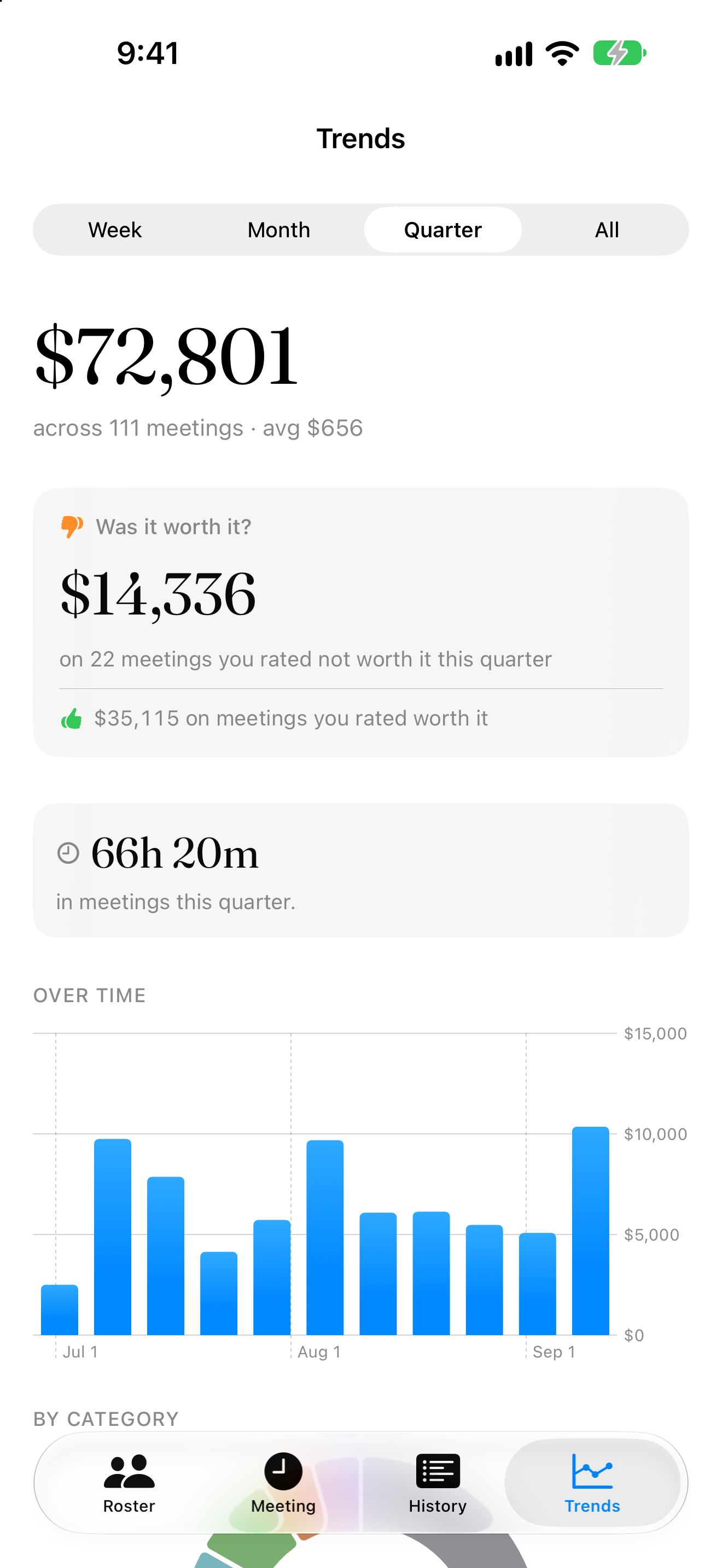
$14,336
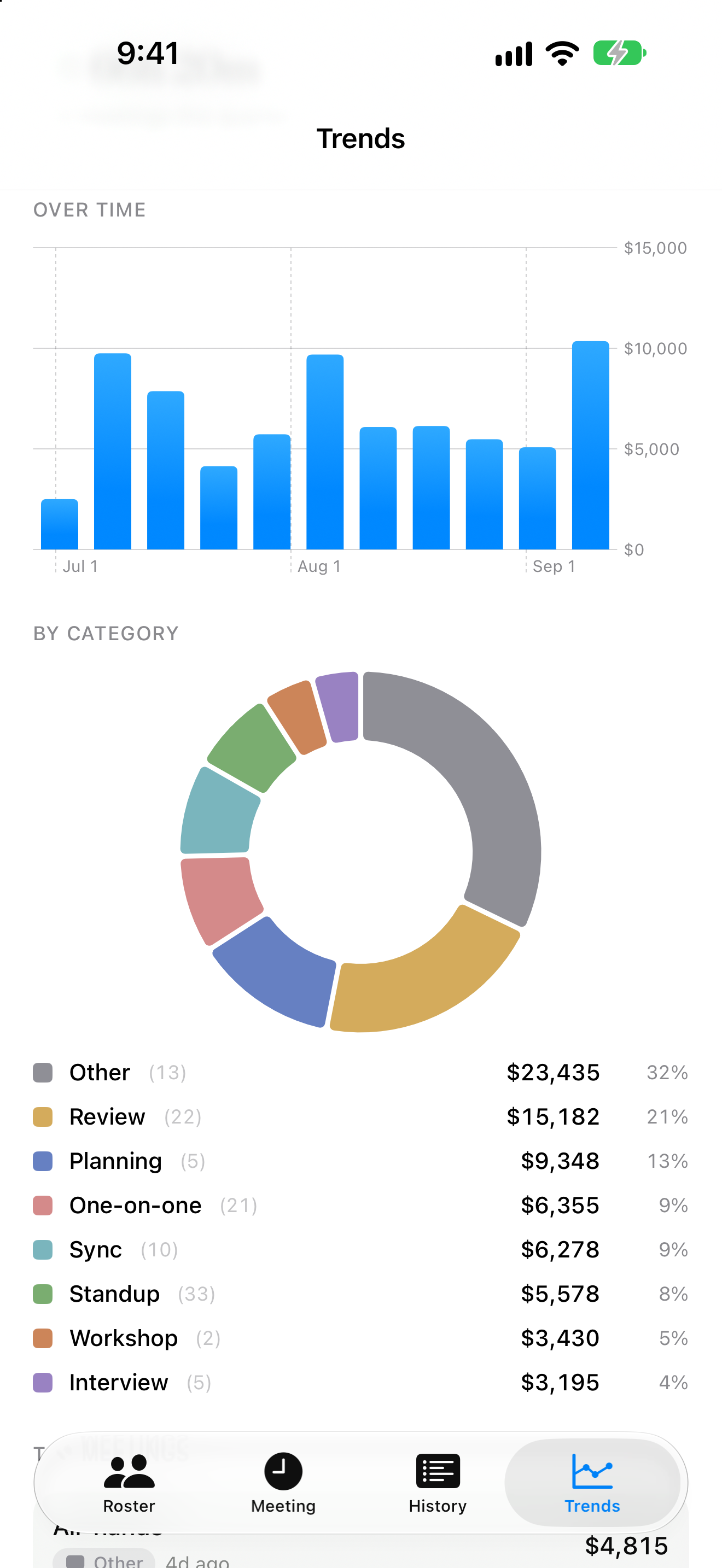
on twenty-two meetings rated not worth it, out of $72,801 across 111 meetings in a quarter. Trends breaks it down by week and by category, so you can see which standups and reviews earn their time.
One meeting, every device
iPhone, iPad, Mac and Apple Watch, from one download. Start a meeting on your phone and end it from the Mac menu bar. Your roster and full history stay in step through your own iCloud.
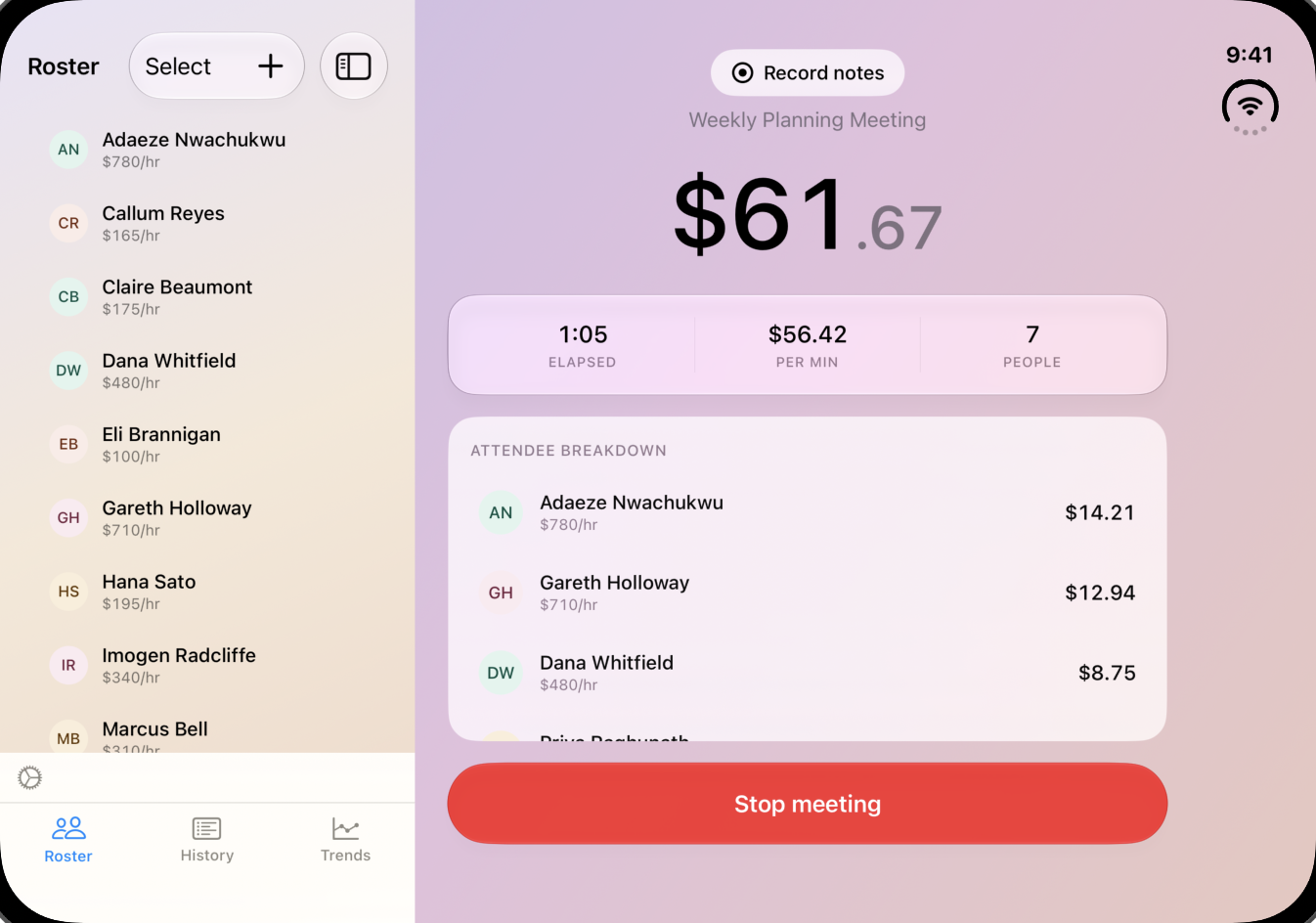
Unfold the whole meeting
On iPhone Duo, the inner display shows the full iPad layout, with your roster beside the running cost.
The terms
- Price
- Free. Meeting notes are a single one-time unlock. No subscription.
- Account
- None. Download and start.
- Your data
- Synced across your devices through your private iCloud. Nothing routes through us, and we run no servers.
- Tracking
- None in the app and none on this site. No ads, ever.
Minuted is made by Kurt Klein, who sat in one too many meetings wondering what they were costing. The first version was a spreadsheet. It is published under KSQ Studios, a one-person software studio in Pennsylvania.